Customize the links in your customer's Admin console. Edits are immediately visible in a customer's account.
To purchase licenses or services
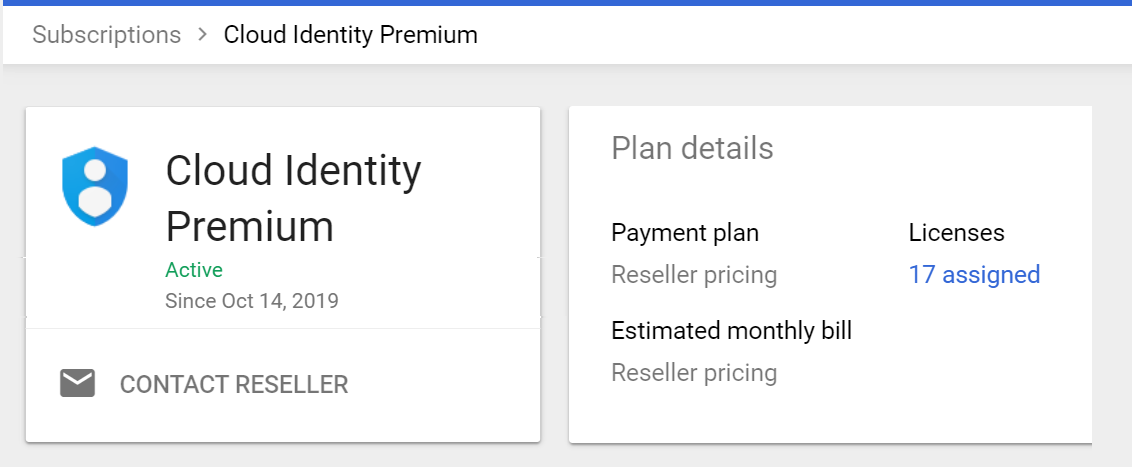
Set the URL for customers to order user accounts or licenses. For example, each
Billing > Subscription page includes a Contact Reseller link to the
URL. Also, when a customer reaches their license limit, their Billing page
shows a "Buy more user accounts" link to the URL.
If you don't add a URL, an alert directs the customer to contact you.
To contact your support team
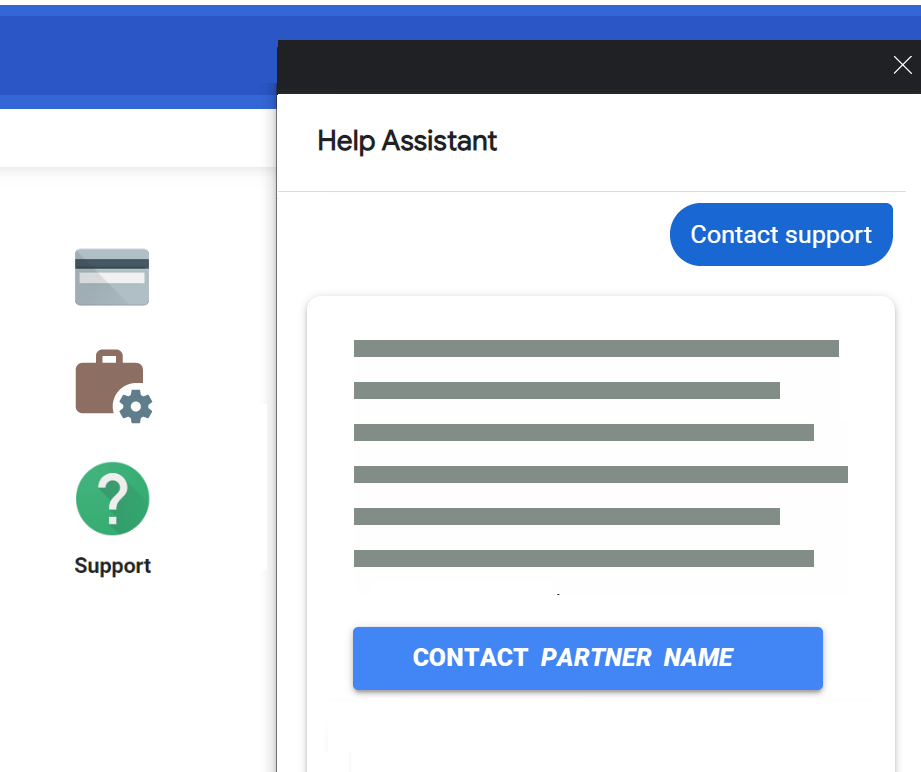
Enter the URL for your support or help site. In the Admin console, the customer
clicks Support and then Contact <your companyname> to go to
the URL.
[[["Easy to understand","easyToUnderstand","thumb-up"],["Solved my problem","solvedMyProblem","thumb-up"],["Other","otherUp","thumb-up"]],[["Missing the information I need","missingTheInformationINeed","thumb-down"],["Too complicated / too many steps","tooComplicatedTooManySteps","thumb-down"],["Out of date","outOfDate","thumb-down"],["Samples / code issue","samplesCodeIssue","thumb-down"],["Other","otherDown","thumb-down"]],["Last updated 2026-10-26 UTC."],[],[]]



 Settings